Same Prompt, Better Results: A Complete Breakdown of AI Image Prompt Structure
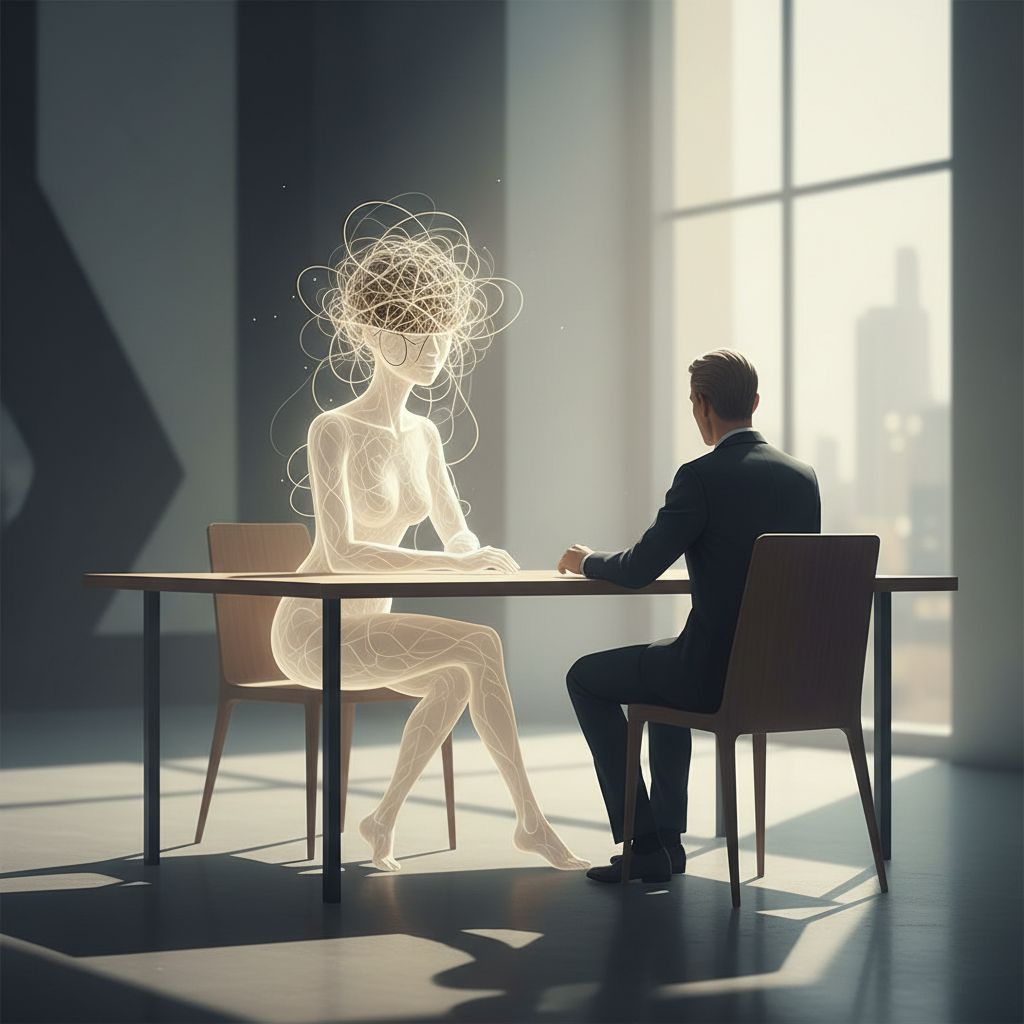
Have you ever experienced this: you see someone share an AI-generated image — great composition, right lighting, consistent style — and then you enter a nearly identical description, only to get something completely off?
The problem usually isn't the model. It's the structure of your prompt. This article is here to clear that up — not to hand you templates to memorize, but to help you understand why certain approaches work, so you can compose your own prompts from scratch no matter the subject.
What You Need Before You Start
On the tools side, the major AI image generation platforms fall into a few categories:
- Midjourney: The highest overall style coherence — best for those who prioritize "looking good"
- Stable Diffusion (local or ComfyUI): The most flexible, but with a steep learning curve
- ChatGPT (DALL-E backend): The lowest barrier to entry — just type in the chat box and go; I've covered the features in this article
- Adobe Firefly, Ideogram: Relatively clean on copyright — suited for commercial use
The prompt logic covered here is platform-agnostic. That said, if you're just getting started and want to get an image out with minimal friction, ChatGPT is the most straightforward entry point.
Step One: Establish the "Subject" — It's the Anchor of the Entire Image
The core of any prompt is always "what do you want to depict." But simply writing a woman does nothing useful — the model will fill in its own defaults, and what comes out will be unpredictable.
An effective subject description includes:
- Who or what it is (person, object, scene)
- What action is being performed
- Where it's happening (environmental context)
Examples:
- Weak:
a woman sitting - Strong:
a woman sitting at a wooden desk, reading a book, in a cozy home library with floor-to-ceiling shelves
The difference is information density. The second version gives the model enough constraints that the space for "random fill" is significantly reduced.
Step Two: Specify a Style — Don't Let the Model Guess
Style is the dimension most often overlooked, yet it has the largest impact. You can define it across several axes:
Artistic medium: oil painting, watercolor, 3D render, flat vector illustration
Visual reference: in the style of Studio Ghibli, cinematic photography, concept art
Era or aesthetic: 1980s retro, 90s anime aesthetic, modern minimalist
In plain terms: you have a mental image of what this picture should feel like, and your job is to translate that feeling into prompt keywords. If you can't articulate it, the model defaults to a statistical average from its training data — and the result tends to be that generic, characterless "AI image look."
Step Three: Add Lighting and Color Grading — This Is Where Professional Quality Comes From
The same scene can look dramatically different depending on how lighting is described. This is the part most beginners skip, yet the payoff is immediate and highly visible.
Commonly used lighting keywords:
golden hour lighting— warm dusk light, widely used for portraitssoft diffused light— flattering and gentle, good for still life or interiorsdramatic side lighting— high tension, cinematic feelneon-lit— neon atmosphere, cyberpunk energyovercast natural light— flat, even daylight, suited for realistic scenes
For color tone, you can directly specify muted earth tones, cool blue palette, or high contrast black and white — these descriptors trigger consistent color treatment across most models.
Step Four: Describe Composition and Camera Angle
Composition determines where the visual weight lands. Useful keywords include:
close-up portrait— tight on the facewide establishing shot— full environment, broad perspectivebird's eye view— overhead anglelow angle shot— looking upward, makes the subject feel powerfulrule of thirds composition— balanced framing
If you're going for a "cinematic screenshot" quality, adding cinematic composition, 16:9 aspect ratio tends to work reliably.
Step Five: Use Negative Prompts to Exclude What You Don't Want
This is a core technique in the Stable Diffusion ecosystem. Midjourney uses the --no parameter; in ChatGPT, you simply state "no X" within the prompt itself.
Common exclusion items:
blurry, low quality, distorted— rules out soft or degraded outputextra fingers, bad anatomy— rules out structural errors in figureswatermark, text, logo— rules out unwanted text elementsoversaturated colors— rules out garish color treatment
Think of it this way: the positive prompt says "here's what I want," and the negative prompt says "if any of this appears, the generation has failed." Using both together meaningfully improves your hit rate.
Common Mistakes and How to Avoid Them
Mistake one: Prompt is too short — assuming simpler is better AI image generation is not the same as chatting with ChatGPT. The latter can infer from context, but image generation has no concept of "you know what I mean." Insufficient information means the model fills in the gaps — and it won't fill them the way you intended.
Mistake two: Stacking all your adjectives with no structure
A prompt like beautiful amazing stunning gorgeous magical fantasy landscape doesn't work the way you'd hope. When too many emphasis words pile up, the model can't process them meaningfully. Pick the 2–3 most essential descriptors — that's more effective than a long pile.
Mistake three: Ignoring aspect ratio
Midjourney has --ar 16:9, --ar 1:1, and similar parameters; other platforms have equivalent settings. Without specifying, the default ratio may not suit your use case — for instance, you need a banner but get a square image instead.
Mistake four: Style descriptions that are too abstract
Phrases like "a beautiful feeling" or "a bit dreamlike" are not actionable. Translate them into keywords the model can recognize: ethereal, dreamlike soft focus, pastel color palette.
Advanced Technique: Use "Weights" to Emphasize Key Elements
Midjourney supports (keyword::2) syntax to increase the weight of a specific term; Stable Diffusion has a similar (keyword:1.5) format.
For example, if you want to emphasize a specific lighting effect:
a forest path, (golden hour lighting::2), soft mist, wide shot
This causes lighting-related processing to take priority over other elements.
Additionally, if you need to maintain consistent style across multiple images — say, a series of illustrations featuring the same character — save your fixed style descriptors as a "style template." Swap out only the subject description each time and carry everything else over unchanged. This workflow is touched on in the Midjourney vs. ChatGPT comparison article, which also covers style consistency differences across platforms.
After Your First Image Comes Out, Check It This Way
Once the image is generated, run through these questions quickly to decide whether to keep refining your prompt:
- Is the subject visible, or has it been swallowed by the background? → Increase the information density in your subject description
- Is the style right? → Check whether your style keywords are being diluted by competing descriptions
- Does the lighting feel right? → This is usually the quickest lever to adjust
- Are there any structural errors (extra fingers, distorted face)? → Add those to your negative prompt
Typically, 2–3 iterations will get you into a stable range. Remember: prompt engineering is inherently an iterative process. Getting it wrong the first time is normal. What matters is knowing which element went wrong and where to fix it.
Frequently Asked Questions
Should AI image prompts be written in Chinese or English?
Most mainstream models (Midjourney, Stable Diffusion) produce more stable results in English, as their training data is predominantly English-language. ChatGPT's image generation handles Chinese reasonably well, but for precise control over style details — especially lighting, visual style, and composition — English keywords are still recommended.
How long should a prompt be? Is there a word count guideline?
There's no fixed length, but a good prompt generally covers four dimensions: subject description, style, lighting, and composition. Somewhere between 30 and 80 English words is a common effective range. Too short, and the model fills in the blanks itself; too long, and descriptors start diluting each other.
Is a negative prompt always necessary?
It's not mandatory, but if your images consistently show the same problems — distorted hands, blurry quality, unwanted text — a negative prompt is the most direct fix. Midjourney uses the --no parameter; in ChatGPT, simply state "do not include X" in your instructions.
The same prompt gives different results every time. What can I do?
This is a fundamental characteristic of generative AI — every run carries inherent randomness. For more stable results, fix the seed value (Midjourney uses --seed), or feed your most successful image back as a reference input and ask the model to generate variations from that foundation.
Can I just say "draw me something that looks like a movie poster"?
You can, but that description is too abstract to produce reliable results. Break "movie poster feel" down into concrete keywords: cinematic lighting, dramatic composition, bold typography (if text is needed), high contrast. The more specific you are, the higher your hit rate.
Share
Related articles
Is the ChatGPT Model You're Using Right Now Actually the Best One for You?
Claude vs ChatGPT: Choose Based on Your Use Case, Not Feature Tables
Claude Skills Complete Guide: How to Build, How to Use, and the Mistakes Most People Make
Claude 3.5 Sonnet vs. Opus vs. Haiku: The Most Complete Model Comparison for 2026